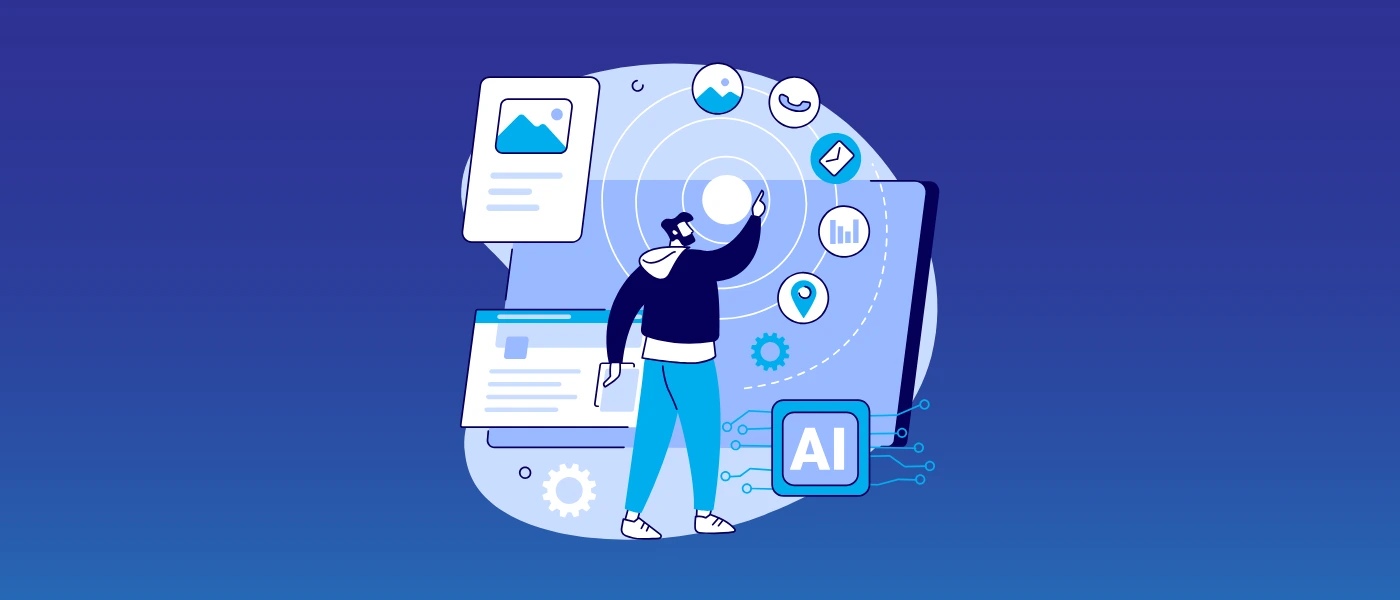
How to Get LLMs to Mention Your Brand
Simply appearing on a search page isn’t enough anymore, not in today’s world driven by…

Screaming Frog is a simple SEO tool that you can install on any PC, Mac or Linux machine. It can crawl specific websites and analyse them from an SEO perspective. It is totally free to use up to 500 URLs and can be upgraded with the purchase of an annual license priced at £99. Here is how to get started with the application.
The way you use the program is simple. Simply click the URL you want to crawl and go to options. Once there, choose the “crawl all subdomains” option. The program gives you the option to crawl JavaScriptJavascript is one of the web’s key programming languages but coding it incorrectly can cost you in technical SEO terms. In order to avoid common mistakes, and understand how Java operates, here’s a quick guide to coding Java the right way., CSS, external linksHyperlinks, also known as links, are the connection points on a webpage that take you to other webpages. and SWF so you can get a full SEO view of any site. You can choose to uncheck any of these options if you want the site to be crawled faster, or if you only want the page and text elements of a site to be checked.
You can now start the crawl and wait for the results. Please note that the speed at which sites are crawled is not only dependent on the number of options you have checked, but on the speed of your machine as well.
Next step is clicking the internal tab and filtering the results by html. Next, click export. This will give you a complete CSV chart of all the data that has been crawled sorted by each individual HTML page. This info can then be used to identify problems with certain pages and address them accordingly.
Performing link audits can be difficult because of the sheer number of links in any given website. But performing link audits is easy with Screaming Frog. All you have to do is to check the “all subdomains” option in the spider menu, but leave all other options unchecked except for links. From there, you’ll be able to choose if you want no-follow links to be crawled as well.
You can now start the crawl and wait for it to be completed. In the advanced menu section, click “all links” and wait for the report to be generated. A report in CSV will then be created of all the links, including information on their locations, anchor textAnchor text is the text highlighted by a hyperlink. The words highlighted are crucial for SEO, informing Google’s crawling bots about the content of the site linked to., destinations, directives and other relevant data.
After having generated a link audit, you can perform various actions, such as checking how many links you have per page. Google tends to frown on pages with more than 100 links per page, so this tool is perfect if you need to correct any irregularities. You can also check if any of your pages return a 404 status code or 301 pages that link to harmful or inactive sites.
Screaming Frog is one of the best tools to conduct site audits and to check what your competition is doing from a SEO standpoint. It’s also perfect for those who want to do a full SEO analysis of their site and make the necessary modifications. In addition, it is completely free for the first 500 URLs, which makes it a no brainer for any webmaster who wants to improve the SEO quality of their website.
Image courtesy of technofaq.org

Simply appearing on a search page isn’t enough anymore, not in today’s world driven by…

Follow vs nofollow links have been debated in digital marketing for years. Questions are often…

We’re going to take a look at how you can turn your eCommerce dream into a reality.
Ever wondered why certain websites appear at the top of Google’s results page when you search for something? That’s no…
Simply appearing on a search page isn’t enough anymore, not in today’s world driven by…
Follow vs nofollow links have been debated in digital marketing for years. Questions are often…

Citations are a long-standing SEO trust signal that helps increase visibility in local search results…

In 2026, digital PR services are essential for any brand wanting to build lasting authority…
Picture this: you're working at an SEO agency, managing multiple clients and delivering strong results…
You may have heard that Google has rolled out a notable new update: the February…

Search is evolving quickly. Large Language Models (LLMs) and Google AI overviews now have a…

Automation is on the rise in just about every industry, and SEO is no exception…
If you are looking to increase your traffic, sales & leads, let's have a chat!

The team will usually respond within 1 hour.